
Optimizer
Tunny Fishing
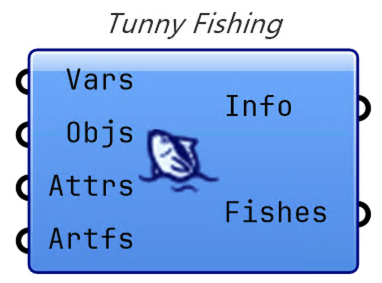
The Tunny Fishing component is the most important component of Tunny.
Double-clicking the icon of this component will launch the optimization UI.
Connect variables to Vars, Objs to Objective Functions, Attrs to
Attributes, and Artfs to the file path or FishPrint you wish to associate.
Depending on this input, Tunny's UI will determine which samplers are available.
By right-clicking on a component, you can open the folder where the optimization settings files and other files related to Tunny are located.
As of v1.5.0, Tunny Fishing's input wires respect Grasshopper's standard Wire
Display setting. Right-click an input and choose Wire Display > Hidden or Faint
to declutter the canvas around the component.
Bone Fish
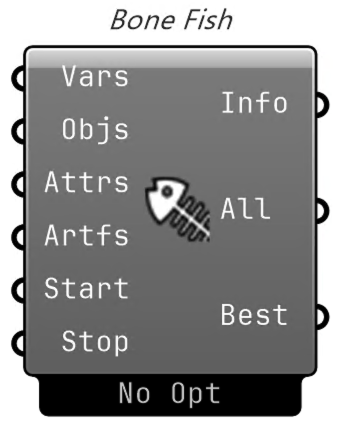
Bone Fish is a component that performs optimizations without a UI. It is like
a kangaroo zombie solver.
The optimization settings are the last saved settings. If you want to change them, it is easy to launch Tunny's UI once from the Tunny Fishing component and change them within it.